少女祈祷中...

资产收集:

ENScan:

1
2
3
4
5
enscan-v1.3.1-windows-amd64.exe
#查看指令

enscan-v1.3.1-windows-amd64.exe -n 字节跳动 -invest 100
#使用ENScan

subfinder:

1
2
3
4
5
subfinder -h
#可在任意文件夹使用

subfinder -dL urls.txt -o result.txt
#在有urls的文件夹下使用

sprint root

1
2
3
4
#进入环境:
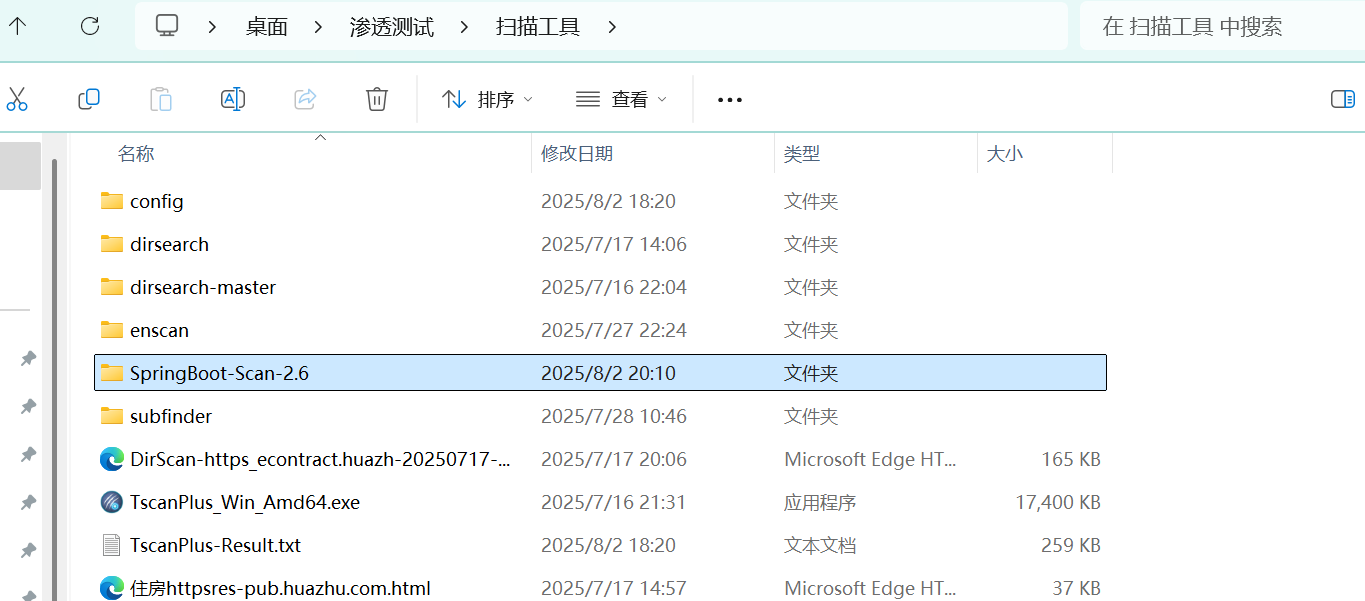
springboot_env\Scripts\activate

python main.py

Arjun

1
python -m arjun -u https://ailabel.baidu.com/api/v1/bulletin/latest		#扫描参数

反向查ip:

1
dig -x 120.79.142.29

XSS:

1
2
3
<script>alert(1);<?script>			#基础

#分为pdf,svg,html,xml

XXE:

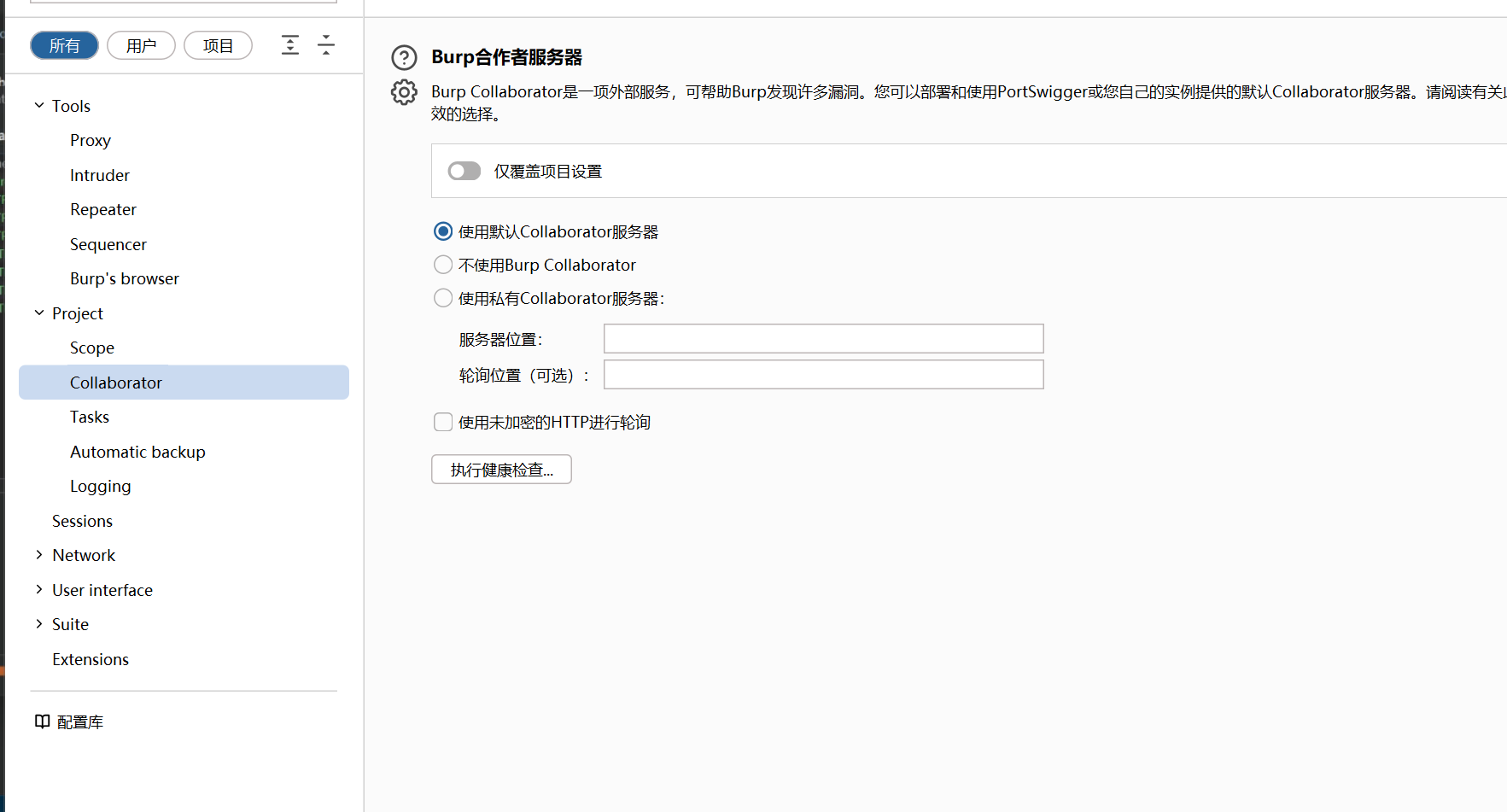
进行健康检查:

image-20250810225942127

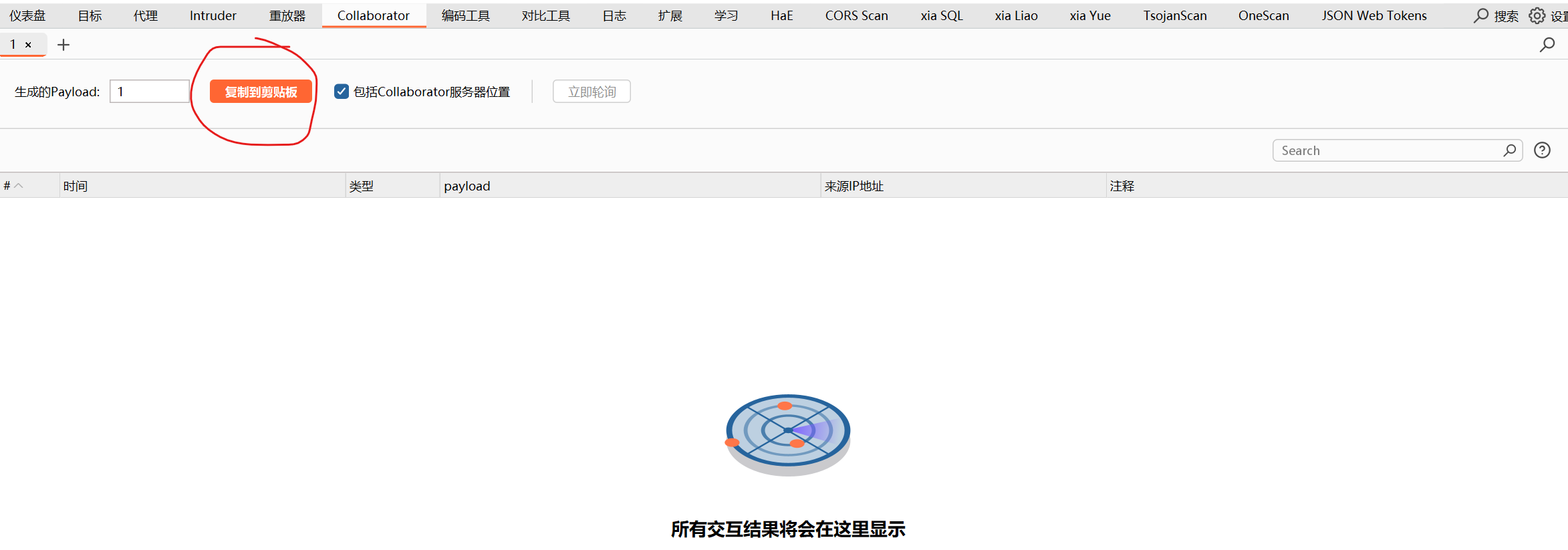
使用交互表 ~~ DNSlog:

image-20250810230559006

会接收返回。

ffuf

1
2
3
4
5
ffuf -w API字典.txt -u "https://api-pre.tuniu.com/FUZZ"

#FUZZ就是你要爆破的位置 txt是你的字典

ffuf -w API字典.txt -u https://catalog.ai-augmented.com/FUZZ/ -mc 200 -fs 0

NMap:

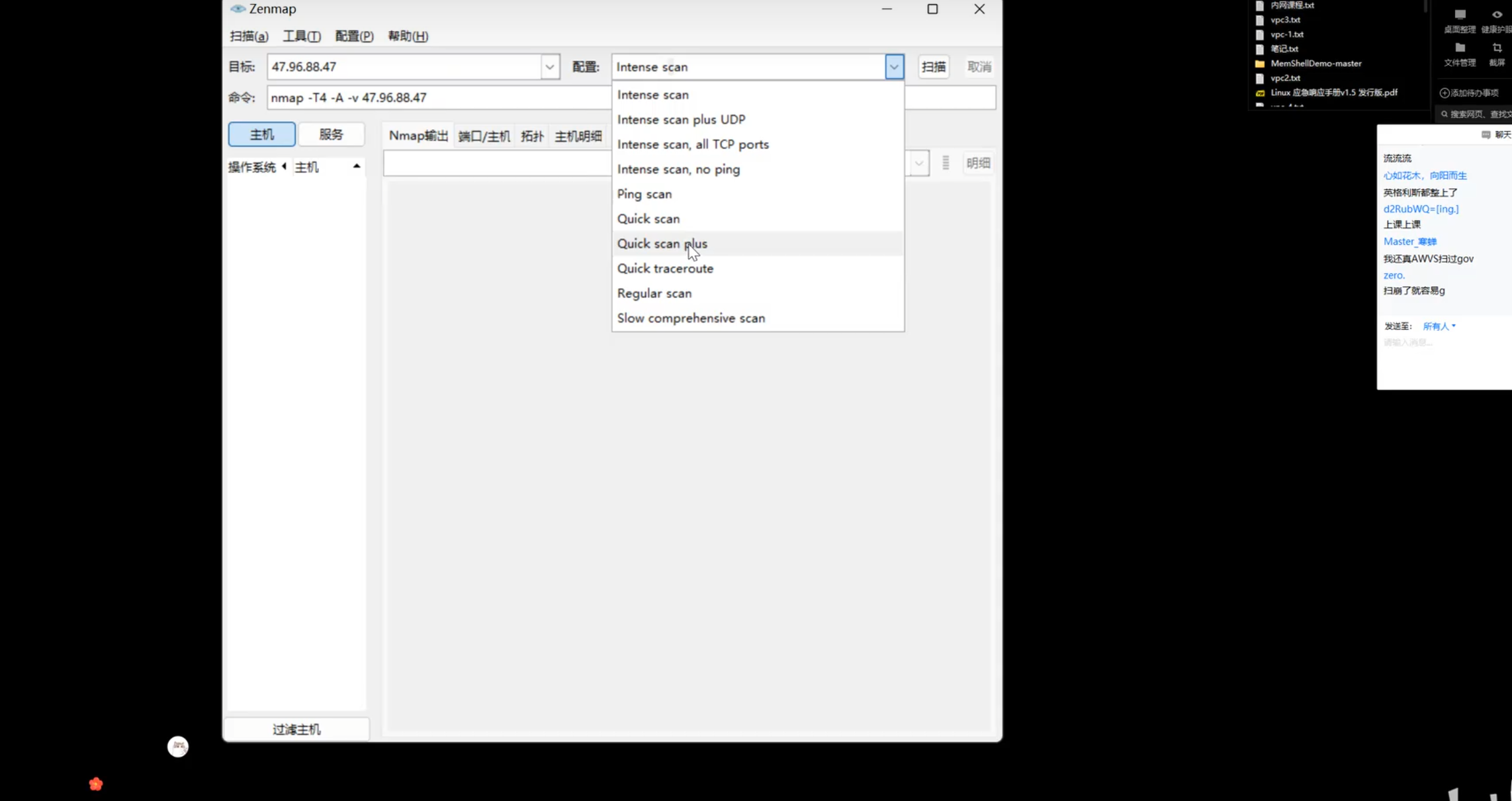
具体图形化扫描:

image-20250811075907909

保证全面信息选 all tcp,普通选 quick plus

也可以使用 FoFa 来直接:

1
ip=.....
一些特殊服务:
1
mstsc		3389					#远程桌面连接

抓包

小程序抓包:茶杯转发到BP

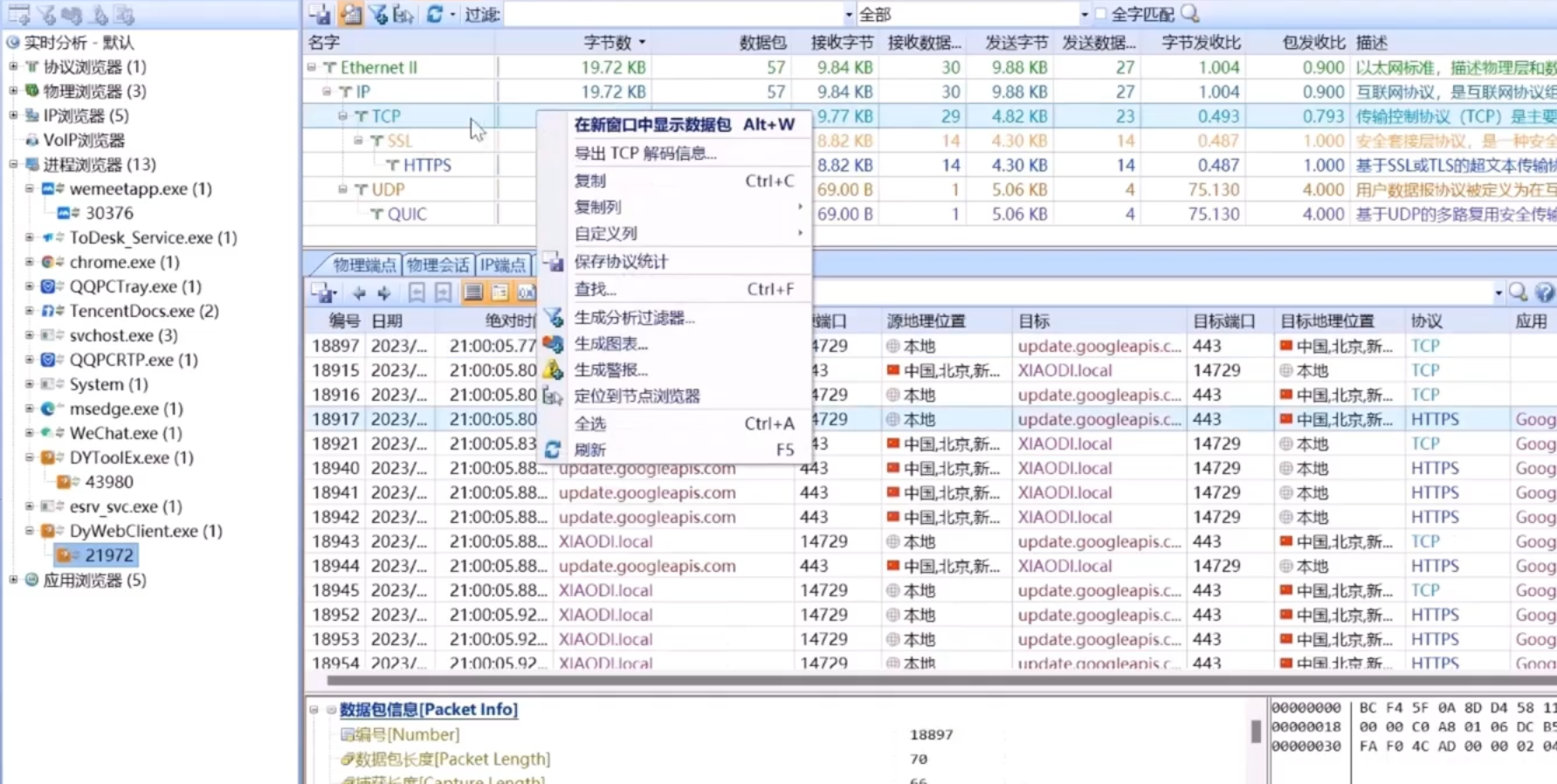
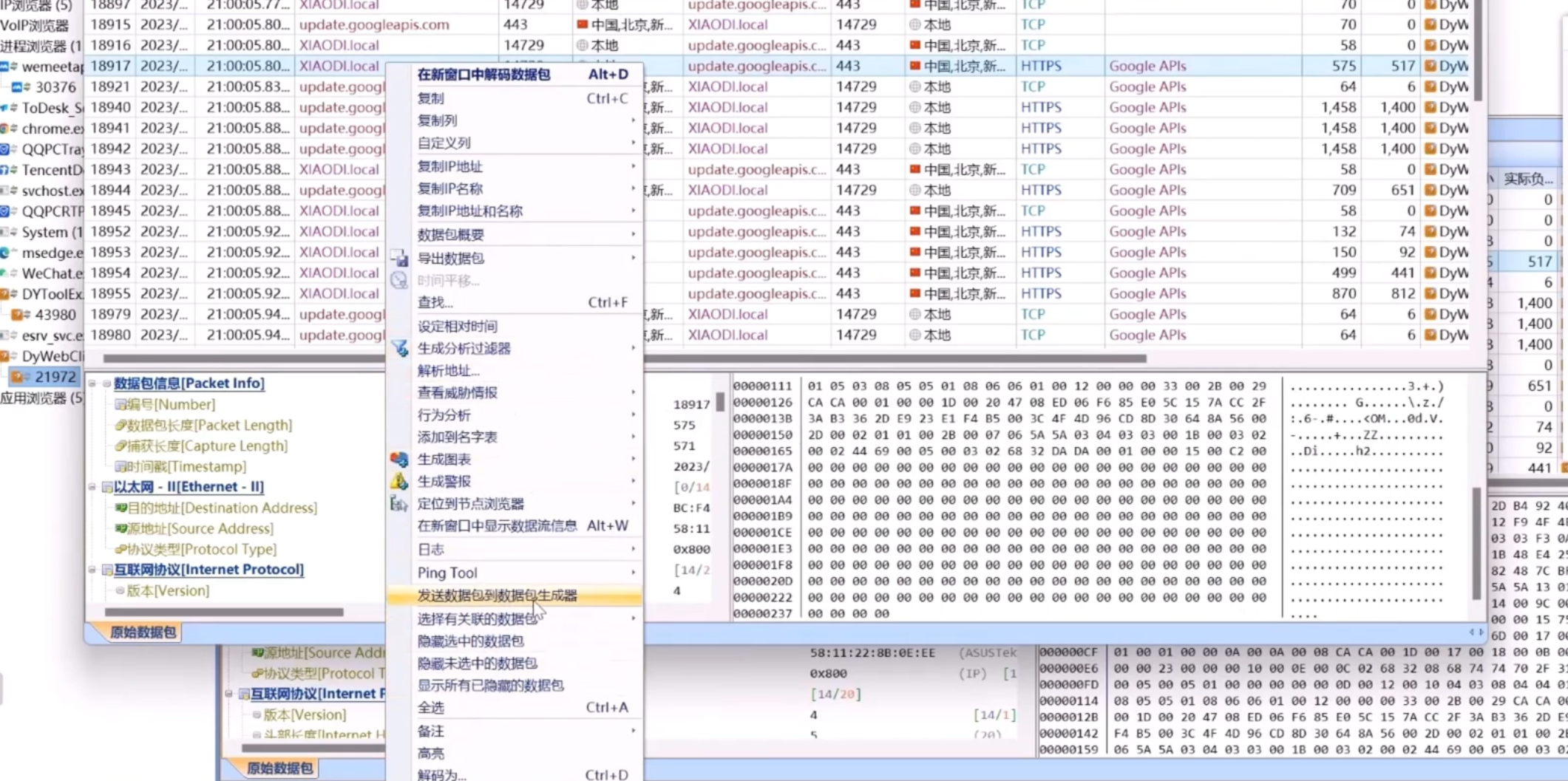
PC软件(非http协议) [ 一般只看IP和域名]
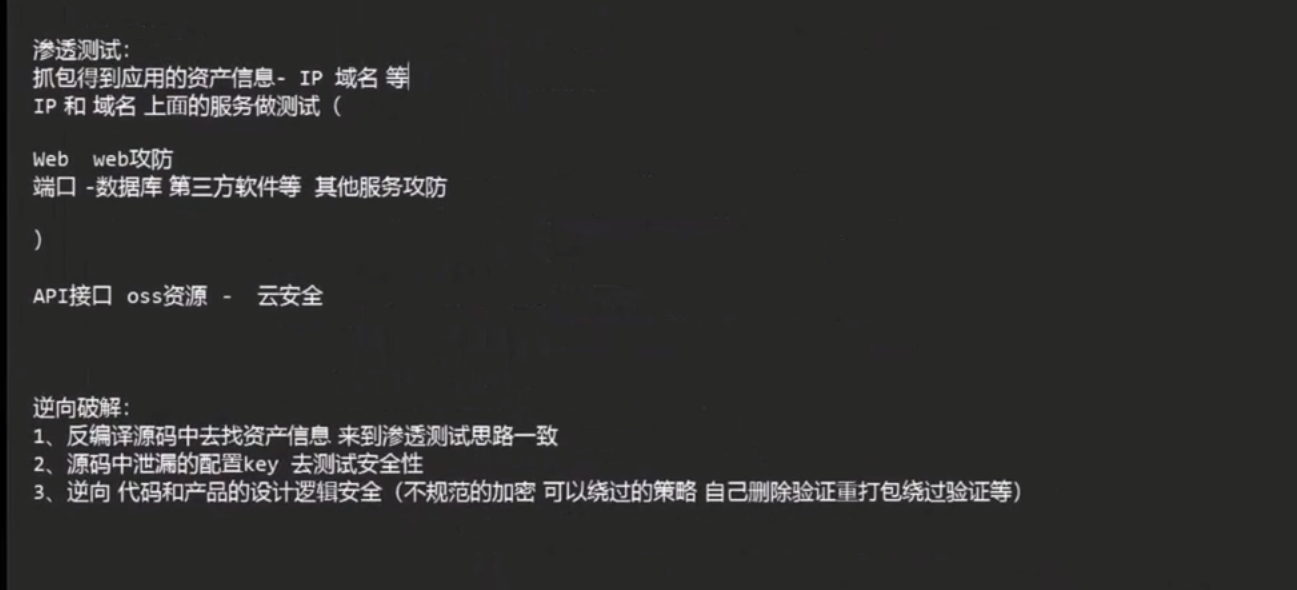
image-20250730015714719

科来(选择以太网)

选择要抓的目标右击(选第一个)

image-20250730015207266

选择目标右击:

image-20250730015308925

学会使用nmap:

关于nmap的指令:

1
2
3
4
5
6
nmap -sC -sV  cps.you.163.com

nmap -sC -sV -oA nmap/wy1 117.135.207.133
less nmap/titanic.nmap
#不知道为什么老是不行

当nmap没扫描出东西:

1
2
3
4
sudo nmap -p161 -sU 123.58.191.10
#扫描SNMP

snmpwalk -c public -v2c cps.you.163.com

失败页面:

image-20250725150111859

找到后访问:https://www.bilibili.com/video/BV1DM79ztEw1?spm_id_from=333.788.recommend_more_video.-1&vd_source=4a541c0ca69a278359606f8ee10ba405

出现window:

image-20250725140601432

image-20250725140702408

入手点:

image-20250725141326957

1
2
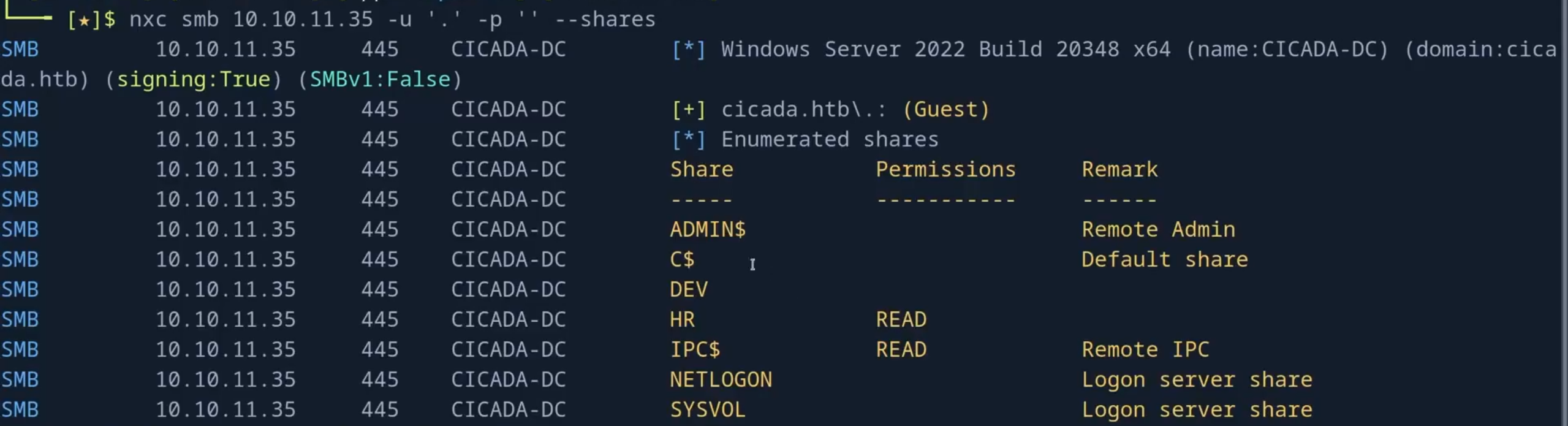
nxc smb 10.10.11.35 -u '.' -p '' --shares
#列出共享目录

eg:

image-20250725141449530

1
2
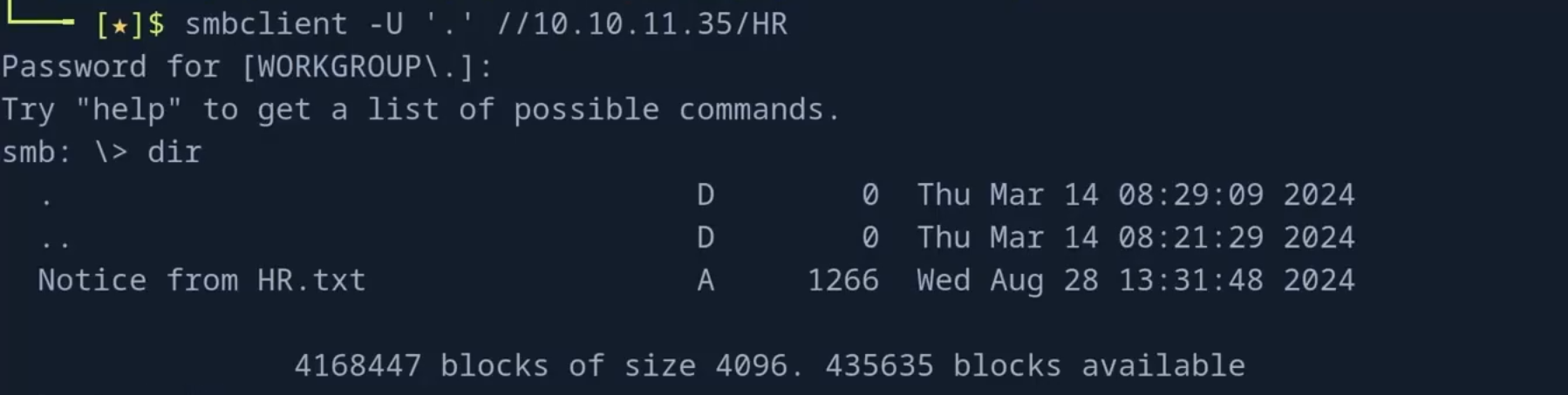
smbclient -U '.' //10.10.11.35/HR
#读取目录

image-20250725141557191

1
2
get "Notice from HR.txt"
#文件下载

image-20250725143205045

仔细的请看:https://www.bilibili.com/video/BV1whdpY7Ebn?spm_id_from=333.788.recommend_more_video.-1&vd_source=4a541c0ca69a278359606f8ee10ba405

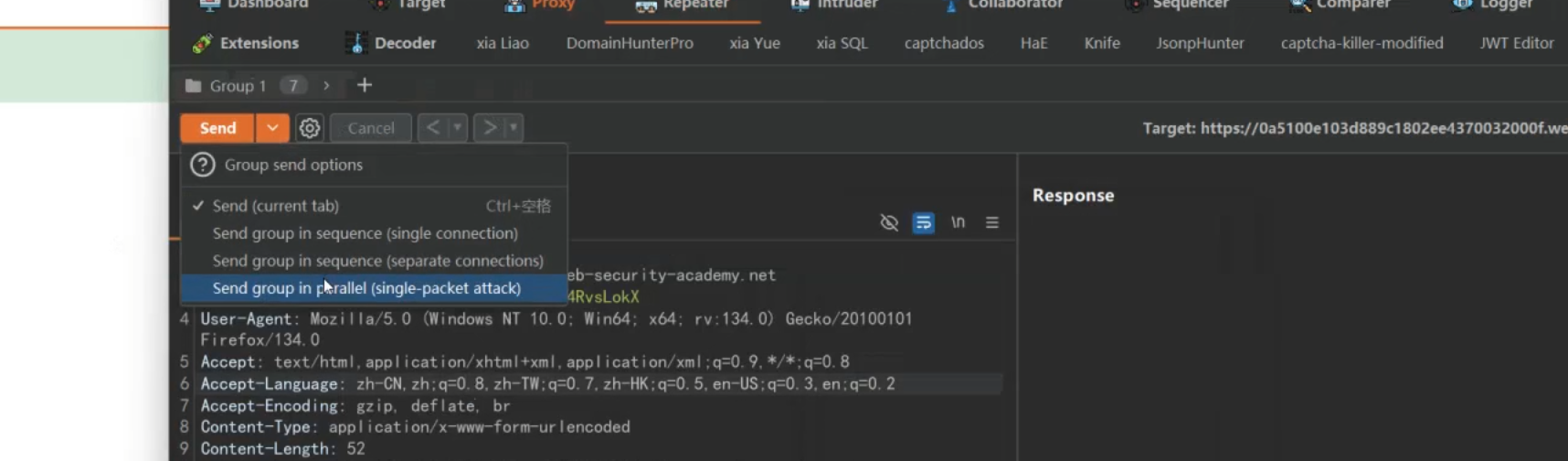
并发一:

1.使用插件

选择的插件:

image-20250802192511872

2.右键合成一个组再选择并发

image-20250802192033168

并发二:

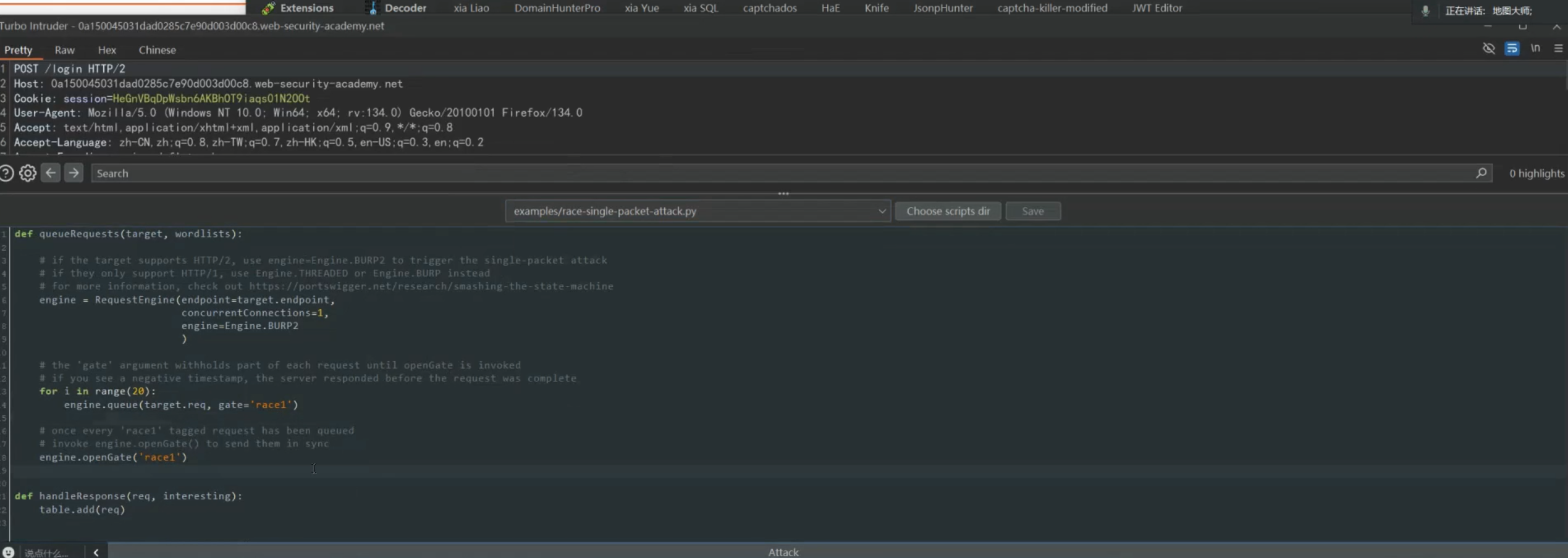
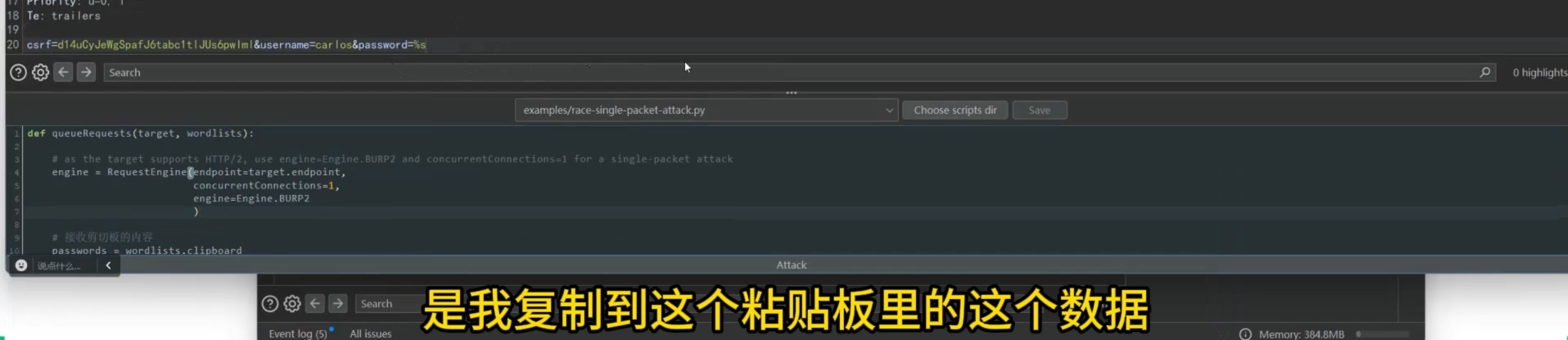
脚本:

1
2
3
4
5
6
7
8
9
10
11
12
13
14
15
16
17
18
19
20
21
def queueRequests(target, wordlists):

# as the target supports HTTP/2, use engine=Engine.BURP2 and concurrentConnections=1 for a single-packet attack
engine = RequestEngine(endpoint=target.endpoint,
concurrentConnections=1,
engine=Engine.BURP2
)
#接收剪切板的内容
passwords = wordlists.clipboard

# queue a login request using each password from the wordlist
# the 'gate' argument withholds the final part of each request until engine.openGate() is invoked
for password in passwords:
engine.queue(target.req, password, gate='1')

# once every request has been queued
# invoke engine.openGate() to send all requests in the given gate simultaneously
engine.openGate('1')

def handleResponse(req, interesting):
table.add(req)

记得修改为:%s

image-20250802192635481

会自动识别你的粘贴板

JWT攻击:

使用工具:

1.直接修改后缀
2.none攻击(把alg修改为none)
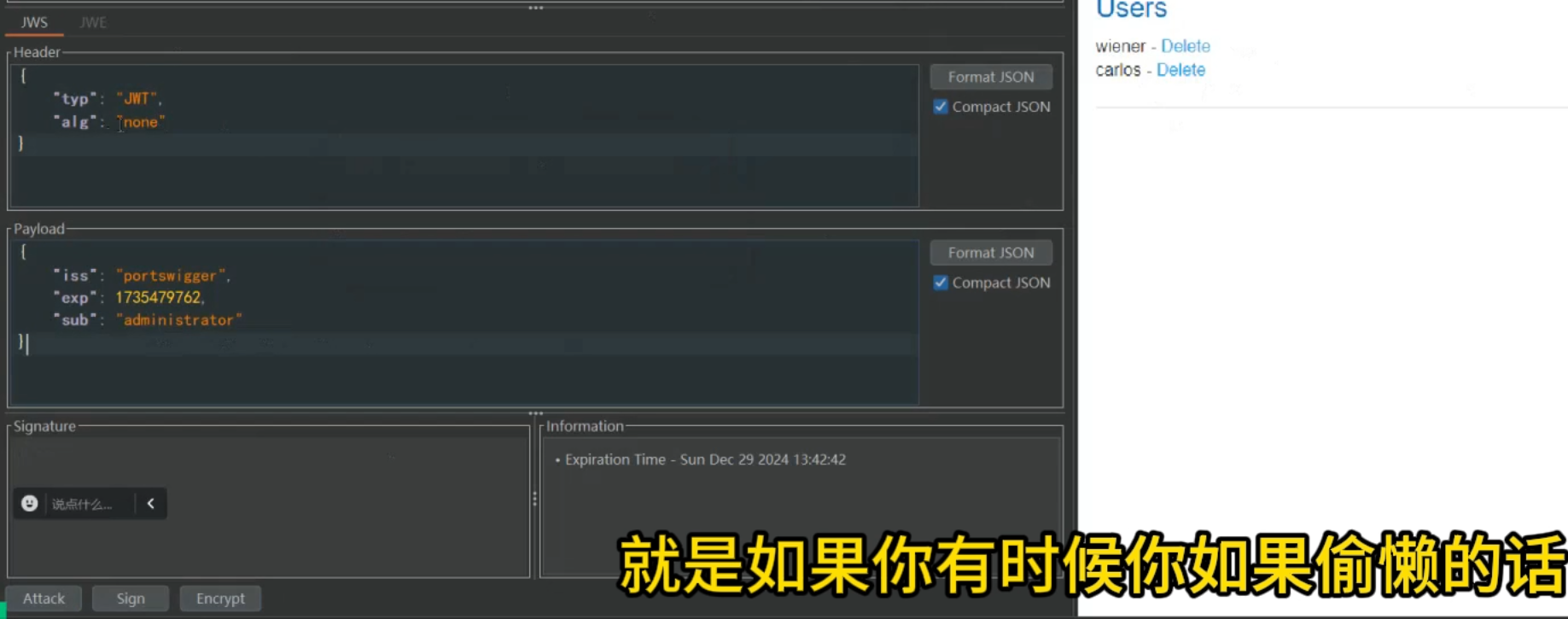
image-20250802195233422

3.使用无影来爆破:

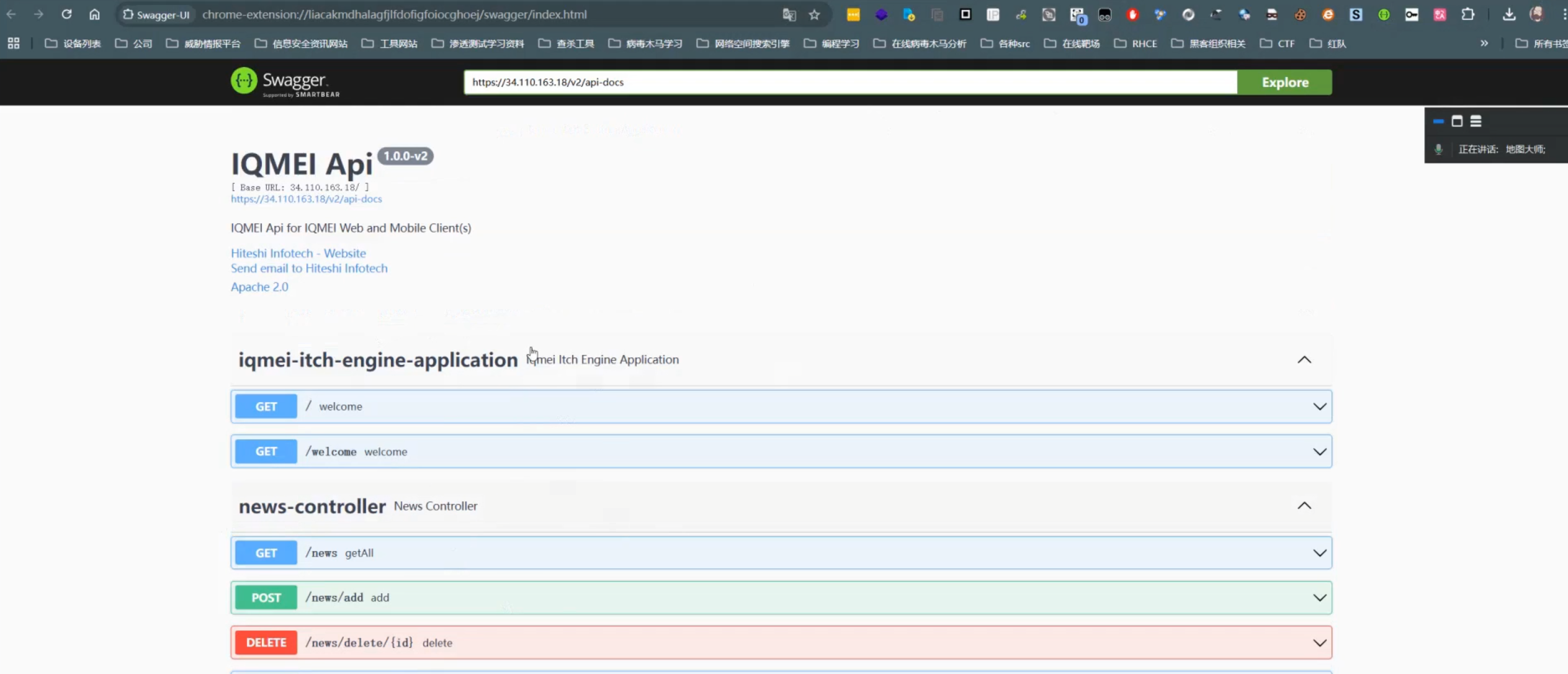
swagger-ui

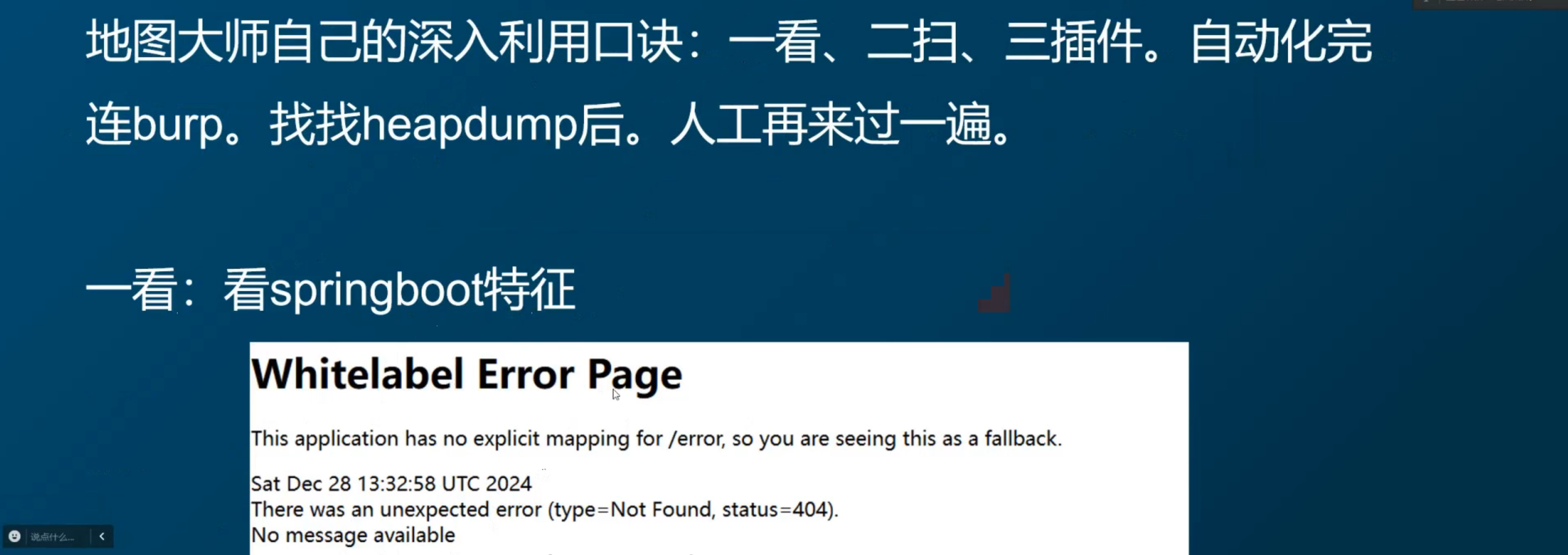
1.找特征:

image-20250802201440974

2.使用扫描/工具爆破:

image-20250802201520392

3.若是没有图片化可以使用swagger插件:

image-20250802201617618

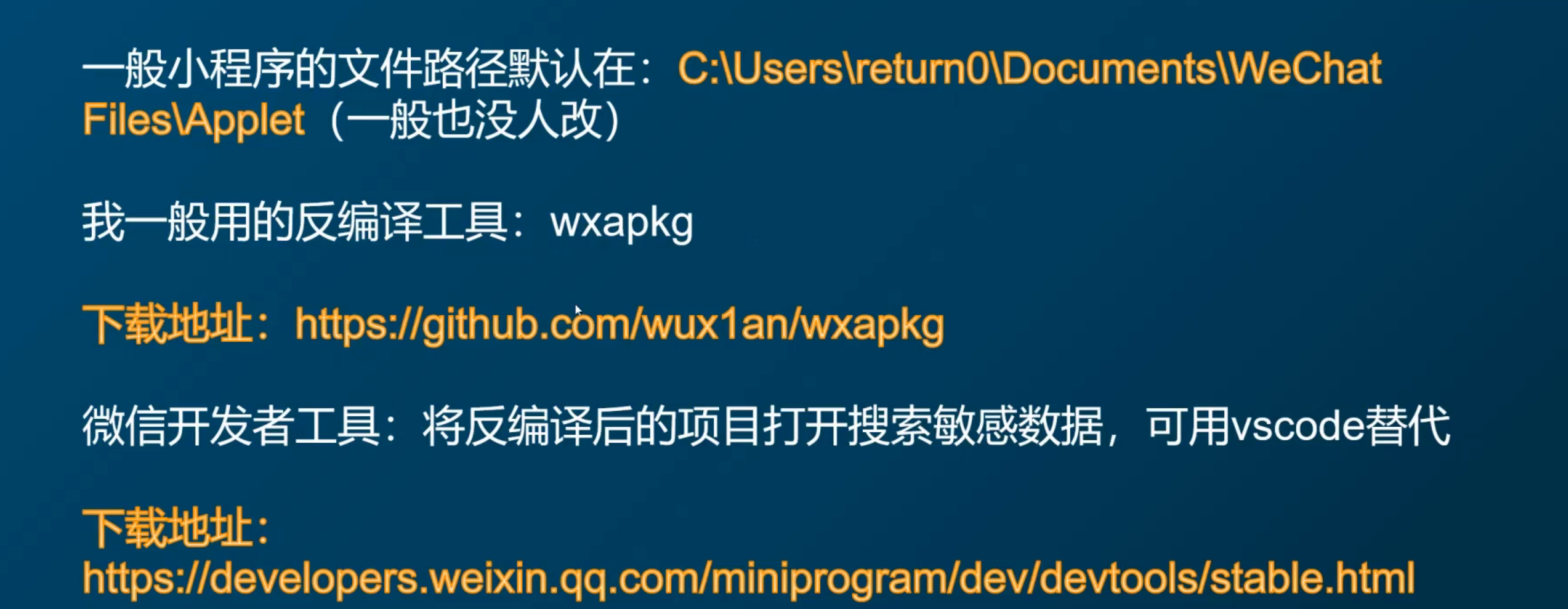
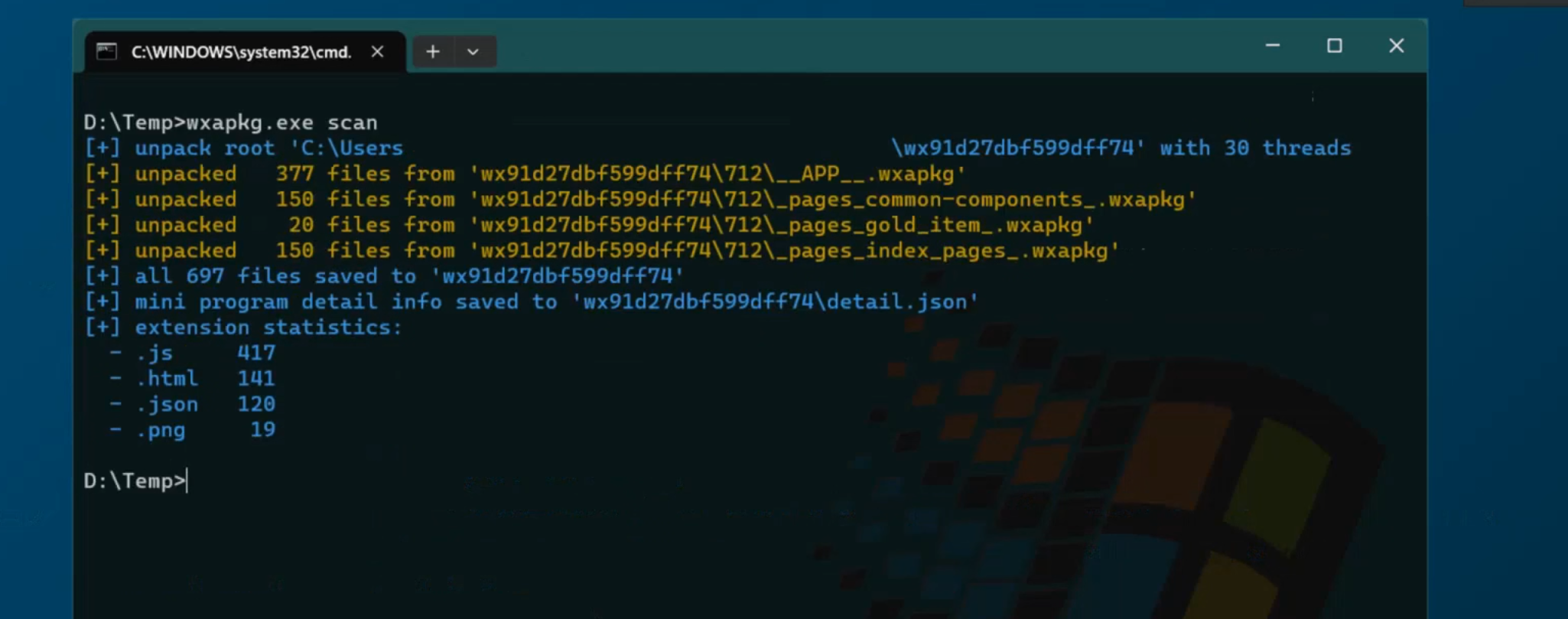
小程序反编译:

下载:

image-20250802204034475

运用:

image-20250802204026484

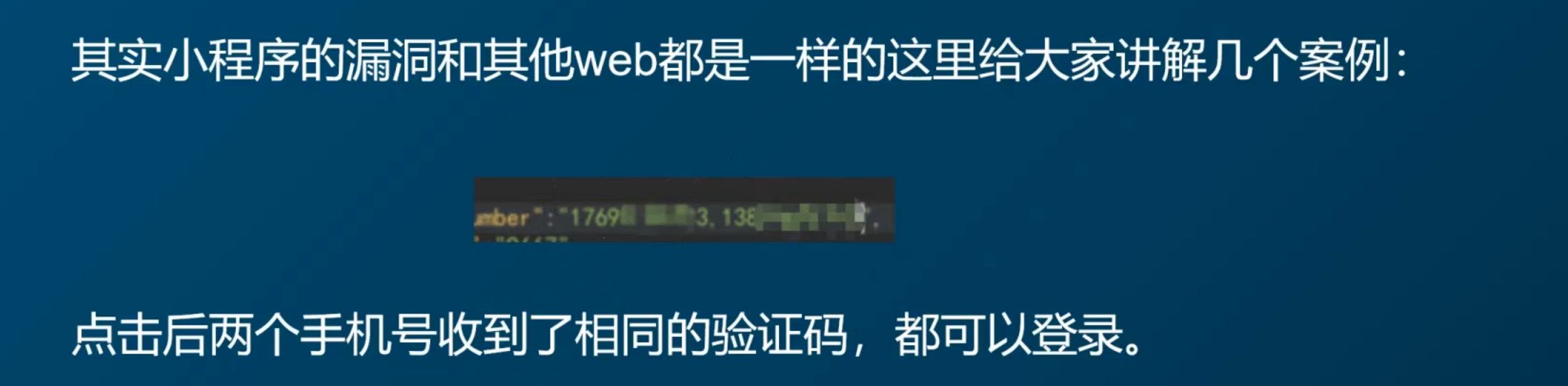
未授权:

1.在手机号后面加一个手机号

image-20250802204217535

2.修改响应:

image-20250802204542641

出现.git但是403:

1
也可以尝试还原